

Individual values
How to use Individual value calc
Narrow Individual-value ranges from level and stats. Handy while training or estimating an opponent’s Individual values.
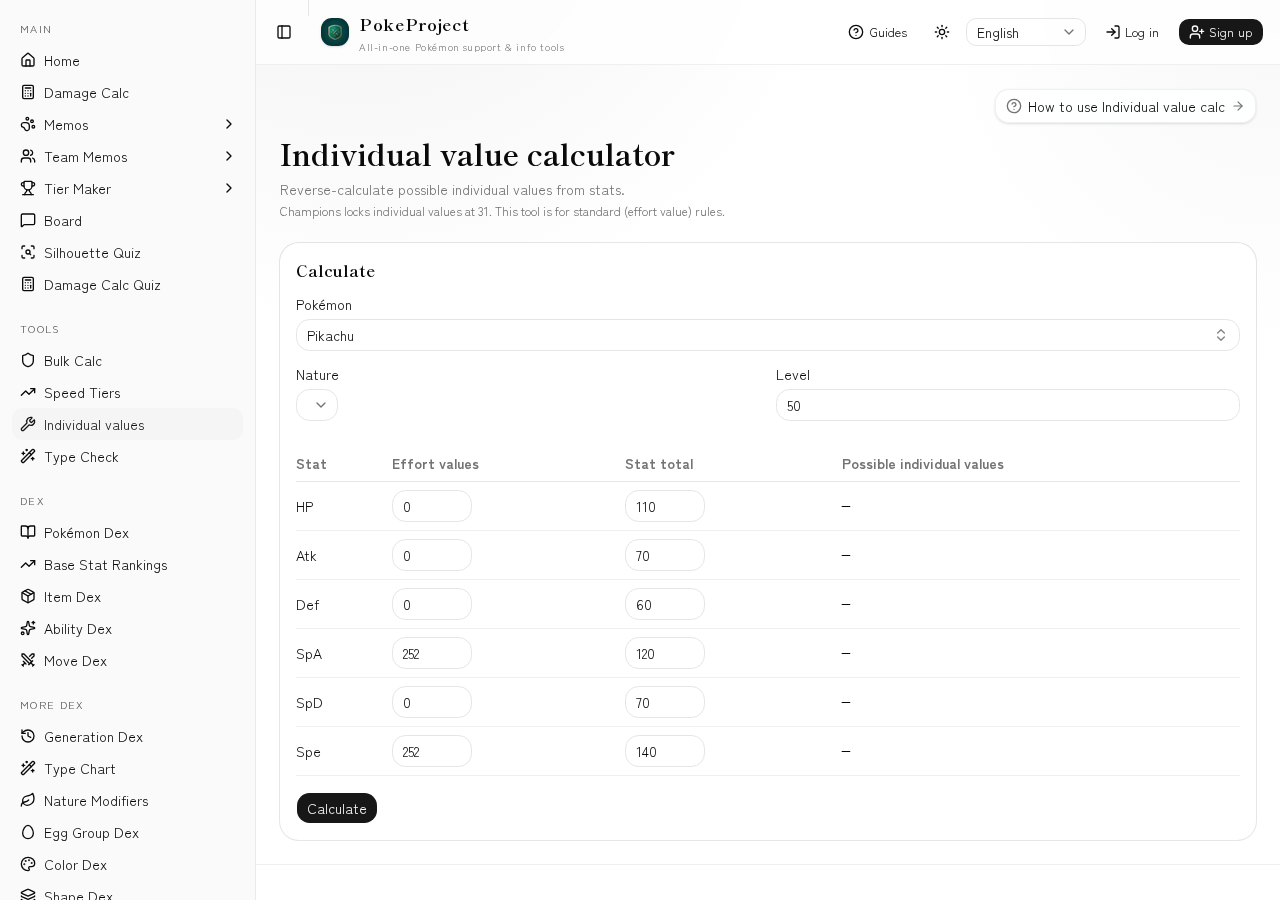
Derive Individual-value ranges from base stats, level, stats, Effort values, and nature.
Enter several stats together to find consistent candidates.
Use results as a starting point for Calc Individual-value inputs.
Basic flow
- 1Open Tools → Individual values in the sidebar.
- 2Enter the Pokémon, level, known Effort values, and nature.
- 3Fill in stats and review Individual-value candidates per stat.
- 4Copy confirmed values into Team Memos or Calc.
Tips
- •Higher levels usually shrink the candidate range—log mid-level checks too.
- •Set nature correctly on boosted/hindered stats to avoid false ranges.
Related guides
- How to read Gen 9 damage calcLearn damage ranges, percentages, rolls, and OHKO/2HKO counts. A guide to reading Scarlet/Violet singles results for real matchup decisions.
- How to use Bulk adjustmentUse the dedicated bulk tool to find H/B/D Effort values against a threat move. Search the survival line for your defender.
- How to use Speed comparisonCompare your Pokémon’s Speed to common base-Speed tiers and Pokémon you add, and see the investment needed to outspeed.
- How to use Type checkDiagnose defensive typing and matchups against common meta threats. Also available from the Team Memos threat panel.
- Doubles calc checklistIn doubles, ally boosts, spread moves, and Protect change results a lot. Notes on easy-to-miss settings and how doubles differ from singles.
- Common matchup calc examplesConcrete examples of turning frequent matchups into Calc inputs—how to assume sets, which numbers to read, and what to try next.
- How to use Damage CalcRun Gen 1–9 singles/doubles damage calculations with @smogon/calc. Switch between Standard and Champions rules, and set weather, terrain, screens, and more.